
Automate anything. With AI that actually understands your stack.
FlowFn connects your apps, wires up AI models, and lets you ship production automations — and autonomous AI agents — in an afternoon, not a sprint.
Free forever plan · No credit card required
- 60+AI models integrated
- 100+App integrations
- 7Workflow trigger types
- OpenAI
- Anthropic Claude
- Google Gemini
- xAI Grok
- Mistral
- Cohere
- Groq
- Replicate
- Together AI
- Fireworks AI
- Stability AI
- Runway ML
- fal.ai
Run workflows with any AI provider
AI workflow automation for your whole stack
Build no-code automations with an AI integration platform: connect apps, choose models, and run business process automation without maintaining brittle scripts.
Visual Workflow Builder
Drag, drop, done — triggers, AI steps, conditions, loops, and parallel branches, no code required.
Deep dive →60+ AI Models
OpenAI, Anthropic, Google, and open-source — swap providers without rewriting a single prompt.
100+ App Integrations
Slack, Stripe, Notion, Mailchimp, Zoho, WooCommerce, Calendly — plus custom HTTP for anything else.
Deep dive →Visualizers
Tables, charts, and dashboards from your workflow data — share with a link or embed anywhere.
Deep dive →Forms
Public forms with file uploads, conditional fields, and validation — every submission captured with history.
Deep dive →Playgrounds — mini apps & sites
Interactive mini apps, or multi-page SEO-ready sites on your own domain — with components, server code, and buttons wired to your workflows.
Deep dive →AI Assistance & Templates
Describe what you want and AI builds it, or clone a ready-made template — then refine with an assistant that knows your workspace.
Deep dive →Agents — autonomous & embeddable
Goal-driven agents that loop until done — with an embeddable chat widget, schedule and webhook triggers, MCP tools, and approval gates.
Deep dive →Streams — realtime rooms
WebSocket rooms for games and live apps: presence is built in, and any channel can trigger a workflow or an in-game AI agent.
Deep dive →MCP Server — host for AI clients
Expose your workflows, agents, data sheets, and platform actions as MCP tools behind one endpoint and a rotatable token.
Deep dive →Teams & Collaboration
Invite teammates, assign roles, and hand a whole app — or a single workflow, form, or agent — to another team you run.
Data Sheets
Structured tables your workflows, agents, and apps read and write — with CSV import, a query API, and public visitor writes.
See how FlowFn ships work
One platform — visual builder, AI Assistance, forms, playgrounds, Data Sheets, visualizers, realtime streams, and observability. Switch tabs to see each.
Drag-and-drop the work, ship the same day
- Triggers, AI steps, conditions, loops, parallel branches, and optional tasks — all visual, no code
- Live execution view shows what ran, what skipped, and what failed
- Versioned workflows with side-by-side compare — roll back any change without losing run history
- Import and export workflows as JSON to move between accounts or share with the team
A finished website, not a blank page
Ten ready-made sites for real businesses. Try the live demo, then swap in your details from a single block of settings — and publish on your own domain.
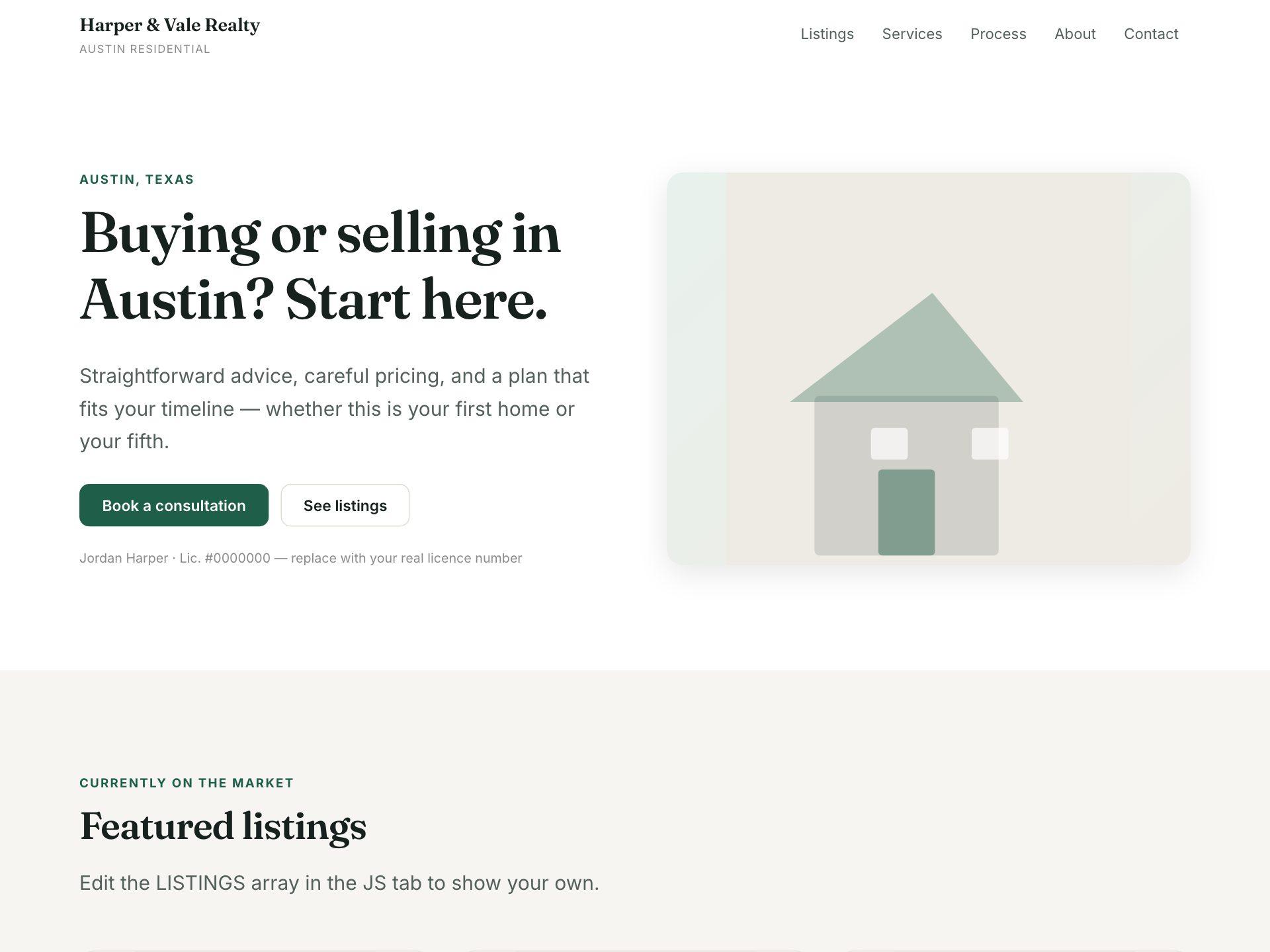
Real Estate Agent
Featured listings with beds, baths and price, a clear process, and an enquiry form.
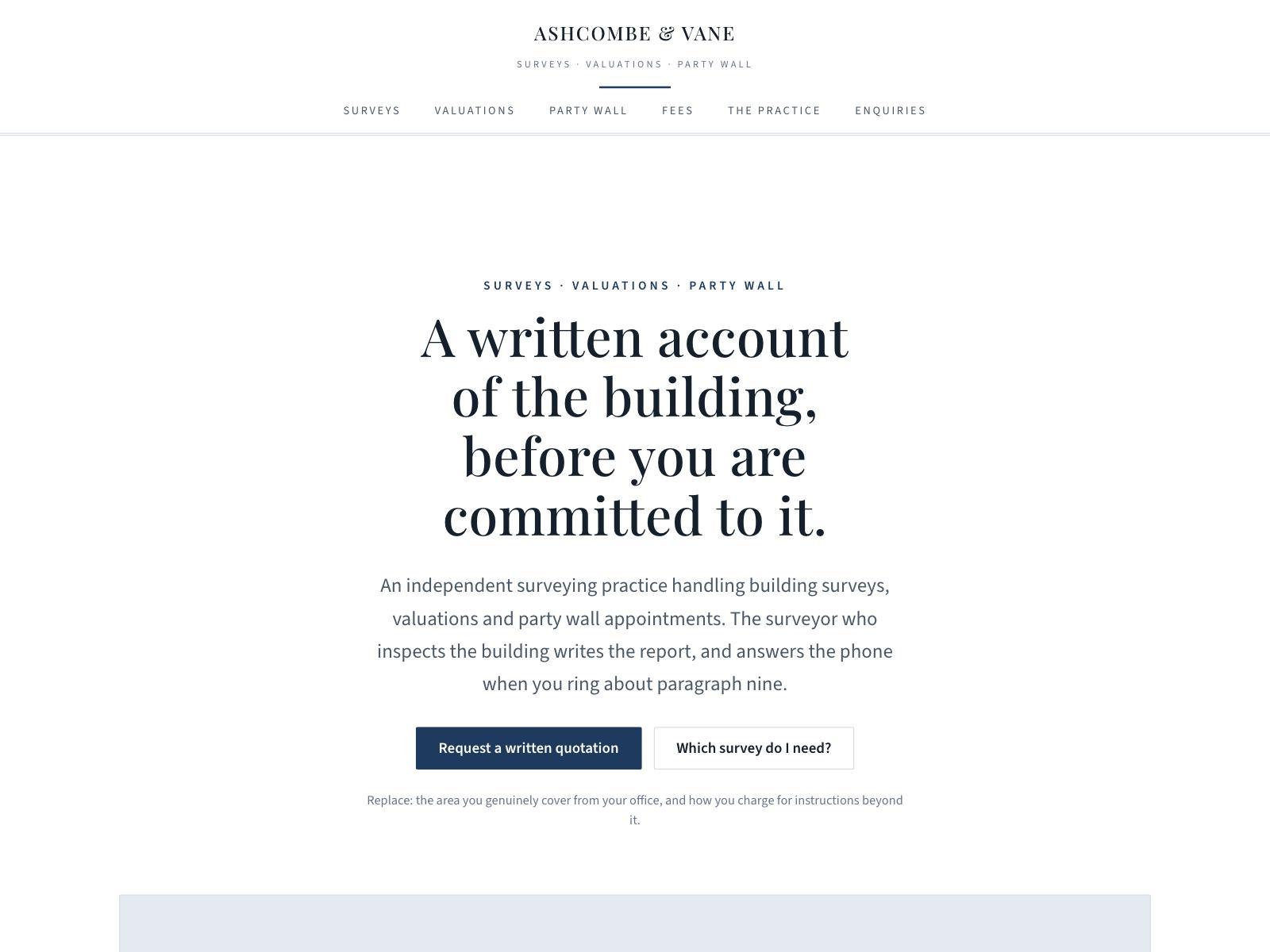
Chartered Surveyor
Survey types compared, party wall work, and a fees basis — formal and institutional.
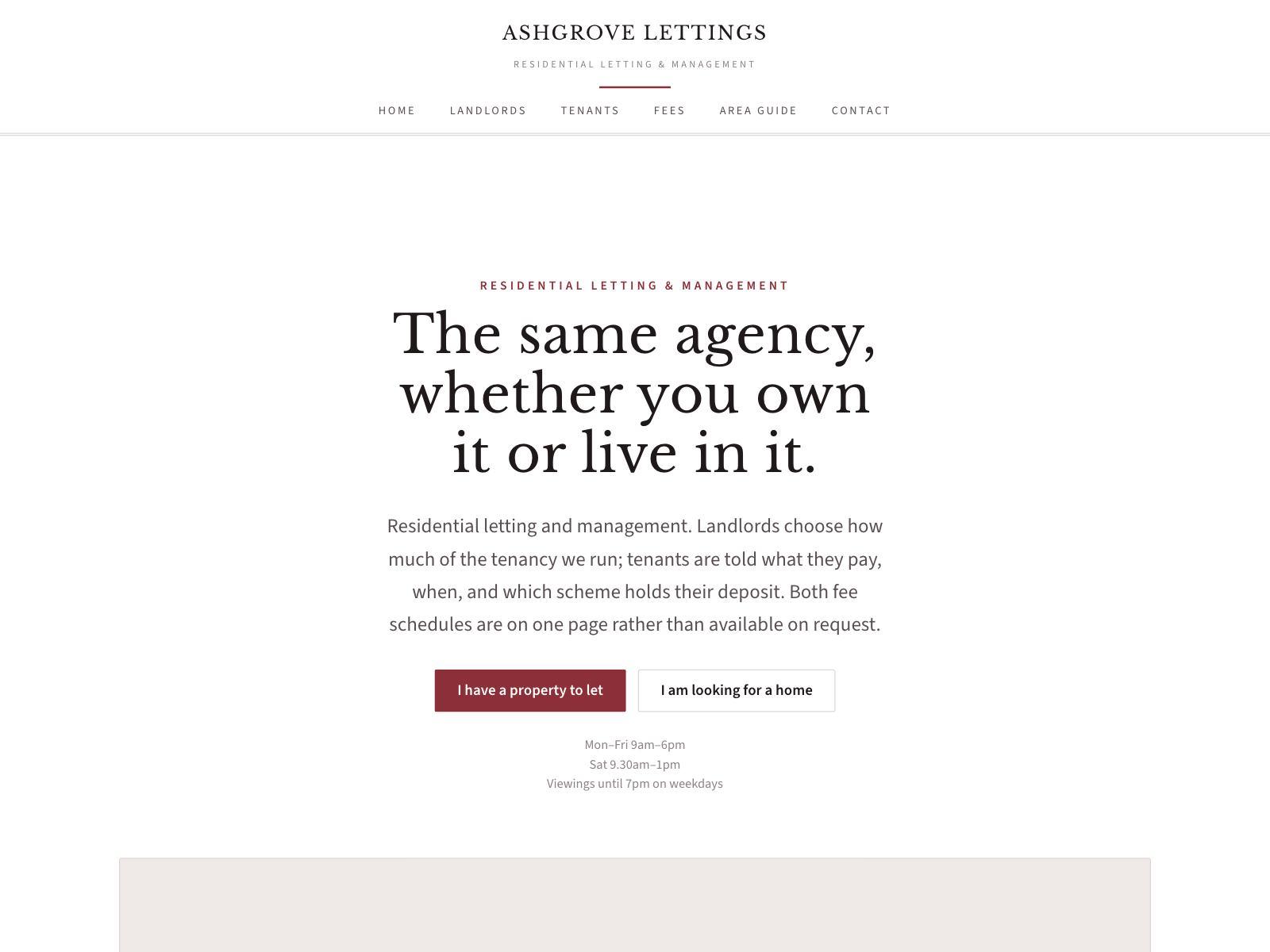
Letting Agent
Management levels for landlords, a complete fee schedule, and where deposits are protected.
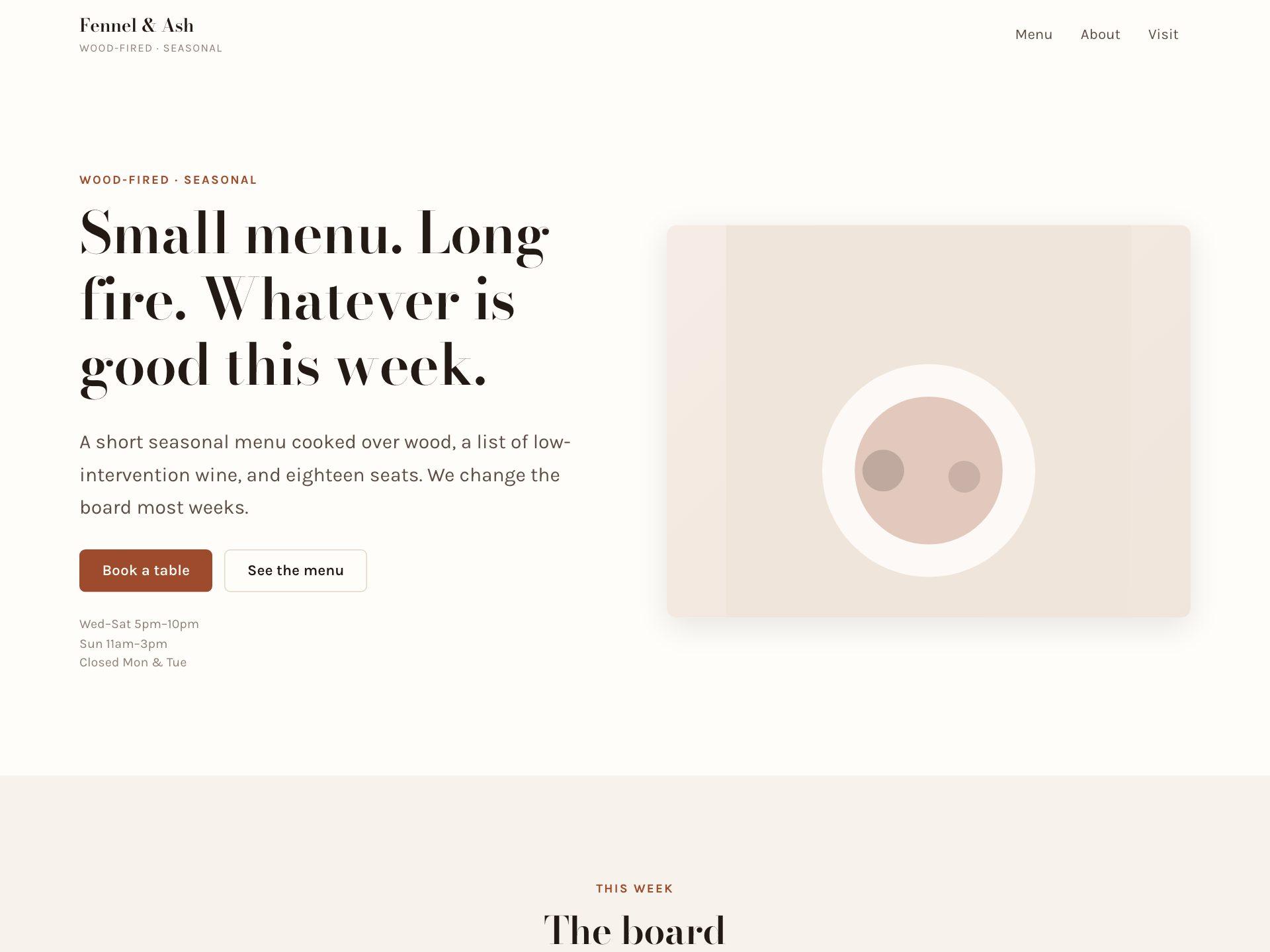
Restaurant & Café
A proper printed-menu layout with dot leaders, opening hours and table bookings.
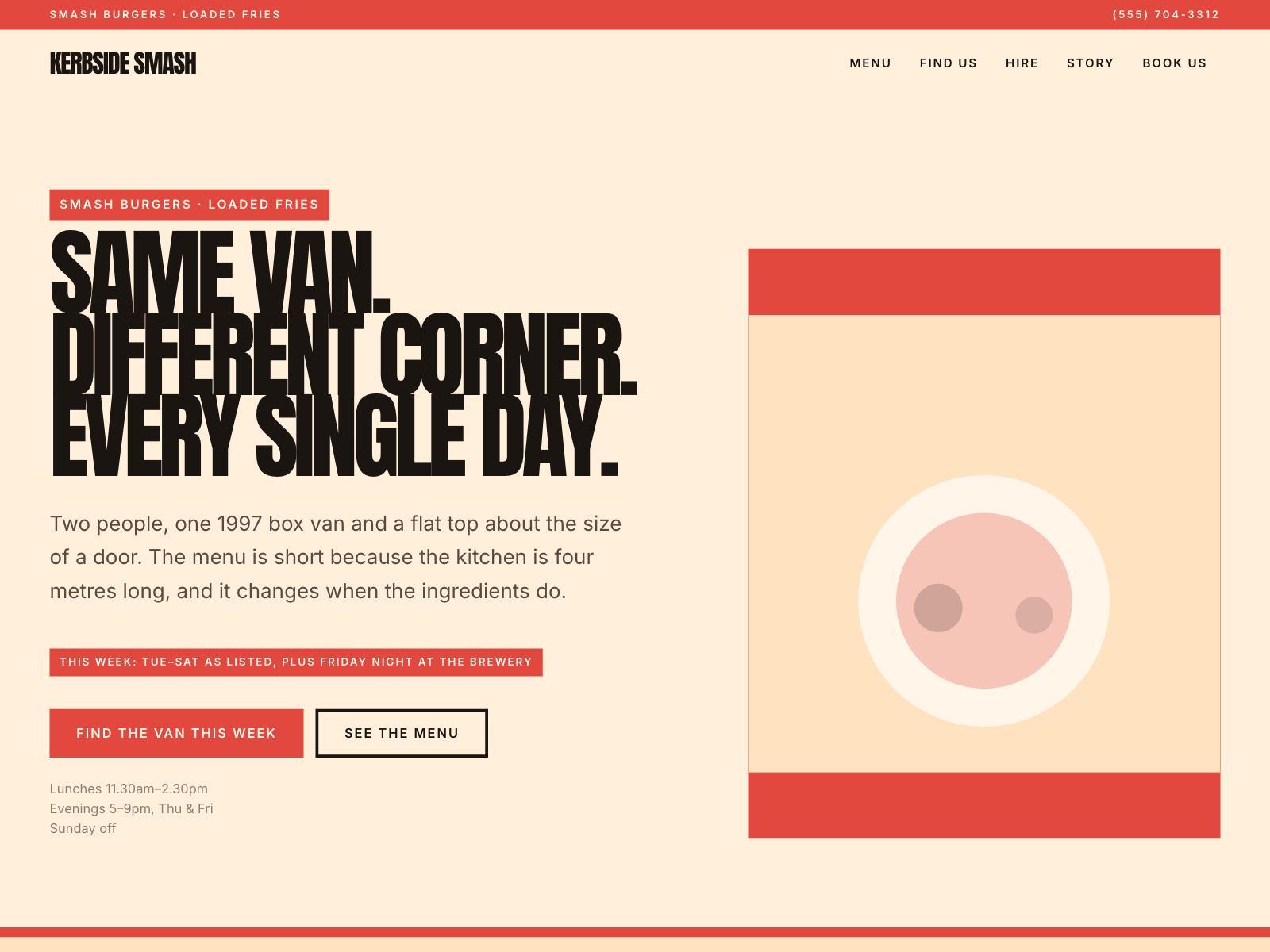
Food Truck
This week's pitch, a menu you edit like a board, and private hire.
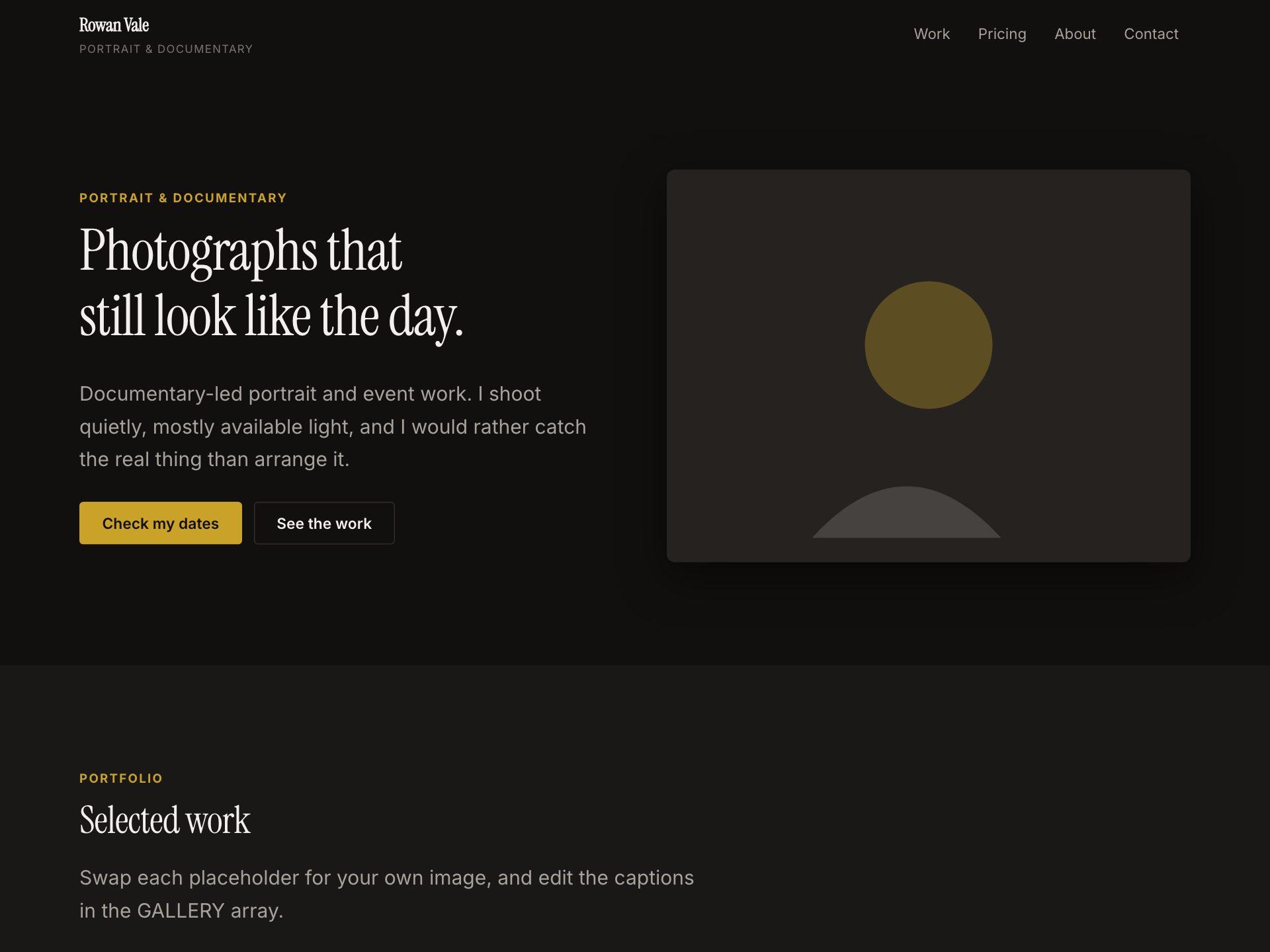
Photographer
A dark, image-led portfolio with captioned work, packages and clear pricing.
Real Estate Agent · Chartered Surveyor · Letting Agent · Restaurant & Café · Food Truck · Photographer · Designer Portfolio · Tattoo Studio · Recording Studio · Salon & Spa · Fitness Coach · Florist · Garden Centre · Climbing Gym · Law Firm · Independent Consultant · Financial Advisor · Accountant & Bookkeeper · Architecture Practice · IT Support · Coworking Space · Executive Coach · Recruitment Agency · Web Development Agency · Counsellor & Therapist · Veterinary Practice · Dental Practice · Physiotherapy Clinic · Plumber · Removals Company · Private Tutor · Language School · Wedding Venue · Bridal Boutique
Trigger workflows from public forms in 60 seconds
No-code automation starts with a link: build a form, share it, and let every submission kick off an AI workflow automation.
Run #4821 · succeeded
Scored & routed to CRM
Goal-driven AI agents that loop until done
Describe the task, pick the tools, and let an agent reason through it. Drop in an embeddable chat widget, fire on webhook or schedule, or bind one to a Playground. Approval rules pause for a human; MCP servers and platform actions are first-class tools the agent can call.
Support Agent
Online
Embed anywhere
Drop a script tag on any site — or share the direct URL. Visitors chat with the agent in a branded widget; you keep the conversation history.
Tools you already use
Platform actions (Stripe, Slack, Notion…), AI models, MCP servers, and existing workflows are all callable tools — same allow-list every agent run honours.
Approval gates built in
Add rules in plain English ("pause before refunding more than $200"). The runtime emails approvers; one click resumes the run with full audit history.
Webhook + schedule + chat
Triggers cover every shape: incoming webhook with platform signature verify, cron, Playground submission, or interactive chat at /a/<slug>.
Pause workflows for a human sign-off
Add an Approval node to gate any automation behind a quick yes/no. Assignees get an email and decide in one click — straight from the inbox, no FlowFn sign-in required. The run resumes the moment the threshold is met, or fails the moment rejections make it unreachable.
Run #4821 · paused
Waiting on 2 of 3 approvals
Alex Tan
approved
Priya N.
pending
Marco F.
pending
Approval required
Templates to skip the blank page
One ready-made starting point for every part of FlowFn — a workflow, a playground mini-app, a form, a visualizer, an AI agent, a realtime stream, a data sheet, and an MCP server. Clone any one in a click.
Connects to everything you use
100+ integrations and growing. If it has an API, FlowFn can automate it — connect in one click or bring your own OAuth app.
One platform, every team’s workflow
From lead capture to incident triage — see how marketing, ops, data, engineering, and support teams ship automation on FlowFn.
Marketing workflows
- Score inbound leads and sync to your CRM with AI
- Trigger nurture sequences from form and ad submissions
- Repurpose content with models you already trust
Pricing
Loading plans...
Common questions
Yes — FlowFn has a free forever plan with core workflow automation features. No credit card is required to get started.
FlowFn supports 60+ models from providers like OpenAI, Anthropic, Google, and many open-source and hosted endpoints, so you can build AI workflows on the stack you already trust.
Credits are FlowFn's usage currency. Each workflow run consumes credits based on the steps involved — basic triggers cost less, AI model calls cost more. Your plan includes a monthly credit grant, and you can always top up as needed.
Not at all. FlowFn is built for non-technical users and developers alike. The visual builder and AI Assistance let you build workflows, forms, playgrounds, visualizers, and Data Sheets without writing code. If you do want to write code, you can use custom code steps.
Zapier is the broadest integration library; FlowFn pairs deep workflow automation with native AI, built-in forms, and a built-in data visualizer — tools you’d add Zapier Tables, Zapier Forms, or third parties to get. We also use credit-based pricing instead of per-task, so AI-heavy workflows are predictable.
Read the full FlowFn vs Zapier comparisonMake has a deep visual canvas with a steep learning curve. FlowFn lets you describe a workflow in English and have the AI draft it, then refine it in the same visual builder — and includes forms, dashboards, and AI inside the platform, not as add-ons.
Read the full FlowFn vs Make comparisonn8n is the developer’s pick — open source, code-friendly, self-hostable. FlowFn is hosted-first, AI-native, and accessible to non-engineers, so you can ship without DevOps and share workflows across the whole team.
Read the full FlowFn vs n8n comparisonYes. You can use your own OpenAI, Anthropic, Gemini, or other API keys for AI steps. This gives you full control over costs and model access. FlowFn handles the orchestration and workflow logic.
Yes. FlowFn uses AES-256-GCM to encrypt credentials, API keys, and fields you mark as sensitive in your workflows. Sign-in is passwordless via email OTP with optional TOTP 2FA. Workflow run history is scoped by your plan, and you can delete workflows, forms, or your entire account at any time.
Start automating today
Free forever plan. No credit card required.
We’re here to help you ship
Email sales for volume pricing and enterprise procurement, reach support for everything else, or drop us a message and we’ll get back to you.
Talk to sales
Volume pricing, security review, and enterprise procurement — email us and we’ll get back fast.
General inquiries
support@flowfn.com
Prefer not to open your mail client?